
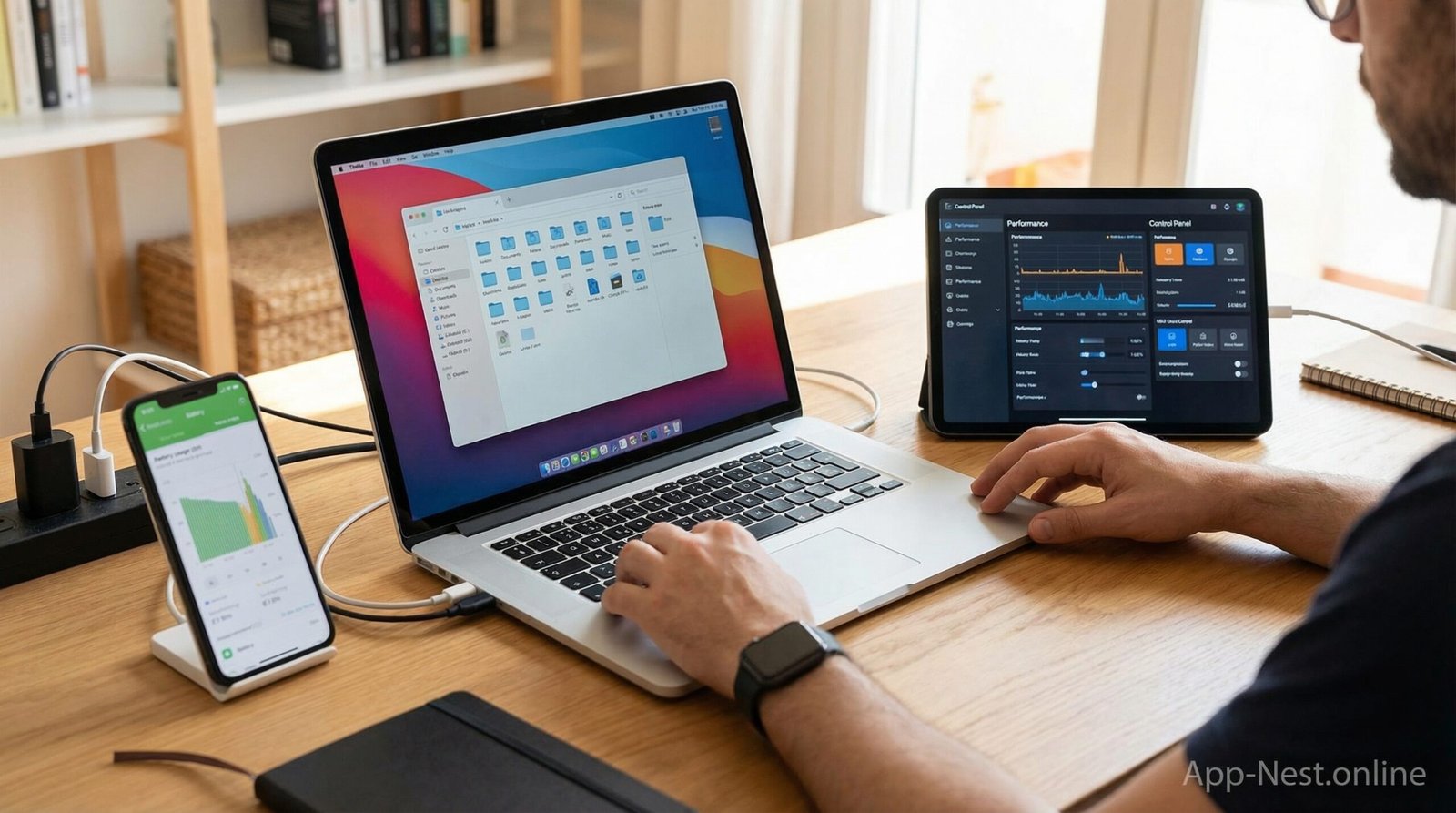
Smartphones and computers are used daily for communication, work, learning, and personal management. To support these activities, users rely on utilities and tools apps that help manage devices, organize data, control system behavior, and maintain smooth operation. Essential utilities and tools apps focus on supporting core device functions rather than entertainment or content consumption.
This article explains essential utilities and tools apps for smartphones and computers, how they work, how users rely on them, and how they support daily digital device usage.
What Are Essential Utilities and Tools Apps
Essential utilities and tools apps are digital applications designed to support basic device management and system operations. These apps help users manage storage, monitor performance, organize files, control app behavior, and protect data.
Users install these apps on smartphones, tablets, laptops, or desktop computers. Utilities apps focus on system-level tasks that support daily device use.
Role of Utilities and Tools Apps in Daily Device Use
Daily device use involves many background processes such as running applications, storing files, and managing system resources. Utilities and tools apps help users understand and control these processes.
These apps provide access to system information and management tools through user-friendly interfaces. By using utilities apps, users avoid navigating complex system settings.
Utilities apps support routine device maintenance and organization.
Types of Essential Utilities and Tools Apps
Essential utilities and tools apps can be grouped based on the tasks they support.
File Management Apps
File management apps allow users to browse, organize, move, and delete files. Users manage documents, media files, and downloads through folder structures.
File management supports storage organization on smartphones and computers.
Storage Management Apps
Storage management apps help users review how storage space is used. Users identify large files and unused data.
These apps support storage planning and cleanup.
System Monitoring Apps
System monitoring apps display information about system activity such as memory usage, processor activity, and running processes.
Monitoring supports awareness of device performance.
App Management Apps
App management apps help users review installed applications and manage app permissions.
These tools support organized app usage and access control.
Battery and Power Management Apps
Battery management apps monitor power usage on mobile devices. Users review which apps consume power.
Power management supports daily mobile usage planning.
Security and Privacy Utilities
Security utilities help users protect data and manage access permissions. These apps support file protection and app access control.
Privacy utilities support data safety.
Backup and Data Management Tools
Backup tools help users store copies of data. These tools support data recovery and device transitions.
Backup management supports data availability.
How Essential Utilities Apps Work
Essential utilities and tools apps work by accessing system information through allowed permissions.
Users install the app and grant access to required system data. The app collects and displays information related to device usage.
Users interact with dashboards, lists, or controls to manage files, storage, apps, or system behavior.
Changes made through utilities apps are applied directly to the device system.
How Users Use Utilities and Tools Apps on Smartphones
Smartphone users rely on utilities apps for daily mobile management.
Managing Storage
Users review storage usage and remove unused files. Storage management supports available space.
Organizing Files
Users organize downloads, media files, and documents. File management supports access.
Monitoring Battery Usage
Users check battery consumption by apps. Monitoring supports power planning.
Managing Installed Apps
Users review app usage and permissions. App management supports control.
Protecting Data
Users secure files and apps. Security tools support privacy.
How Users Use Utilities and Tools Apps on Computers
Computer users rely on utilities apps for system management.
Monitoring System Performance
Users review system resource usage. Monitoring supports workload management.
Managing Files and Folders
Users organize work and personal files. File management supports productivity.
Maintaining Storage Space
Users manage disk usage. Storage tools support system stability.
Managing Startup and Background Apps
Users review running applications. App management supports system control.
Backing Up Data
Users create data backups. Backup tools support data safety.
Benefits of Essential Utilities and Tools Apps
Essential utilities and tools apps support device usage in several ways.
Organized Device Management
Users manage files, apps, and settings in one place. Organization supports efficiency.
System Awareness
Users understand how devices operate. Awareness supports informed decisions.
Resource Control
Users control storage, memory, and app usage. Control supports stability.
Data Protection
Security utilities support data safety. Users manage access and privacy.
Support for Daily Tasks
Utilities apps support routine device tasks. Users rely on them daily.
Utilities Apps for Different User Groups
Utilities and tools apps support various user needs.
General Users
General users rely on utilities apps to manage files, storage, and apps.
Students
Students use utilities to organize study materials and manage devices used for learning.
Professionals
Professionals rely on utilities apps to manage work files and system performance.
Remote Workers
Remote workers use utilities to maintain device stability and data access.
Businesses
Businesses rely on utilities apps to manage device usage and data control.
Challenges of Using Utilities and Tools Apps
Utilities and tools apps also present challenges.
Some apps require system permissions that users must review carefully. Incorrect usage may affect device behavior.
Users must understand basic system concepts to use utilities effectively. Compatibility may vary across devices.
Privacy considerations apply when granting access to system data.
Choosing Essential Utilities and Tools Apps
Selecting utilities apps depends on device type and user needs.
Users should consider:
Supported devices and platforms
Required permissions
Management features
Interface clarity
Update and support availability
Apps should support transparency and user control.
Role of Utilities Apps in Digital Maintenance
Digital maintenance involves regular system checks and organization.
Utilities apps help users maintain devices by monitoring performance and managing storage.
Maintenance habits support long-term device usability.
Utilities and Tools Apps and Productivity
Well-managed devices support productivity.
When files are organized and systems are stable, users complete tasks without interruption.
Utilities apps support productivity by reducing technical issues.
Utilities Apps and Digital Security
Security utilities support safe device usage.
Managing permissions and protecting files reduces data exposure risks.
Security tools complement system management.
Impact of Utilities Apps on Device Lifespan
Proper device management supports longer device usability.
Monitoring system behavior and managing storage help maintain performance.
Utilities apps support responsible device usage over time.
Future of Essential Utilities and Tools Apps
Essential utilities and tools apps will continue to support smartphones and computers.
As devices evolve, utilities apps will adapt to system changes.
Users will continue relying on these tools for device management and control.
Conclusion
Essential utilities and tools apps support smartphones and computers by helping users manage files, storage, system performance, app behavior, and data protection. These apps provide access to system management tools through digital platforms.
Users rely on utilities apps for daily device management and maintenance. By offering organization, monitoring, and control, essential utilities and tools apps help users manage digital devices effectively.
As digital device use continues to grow, essential utilities and tools apps will remain an important part of managing smartphones and computers.